⚡ Built with Claude CodeAI-powered trading chart analysis app with subscription based features.
About PakarChart AI
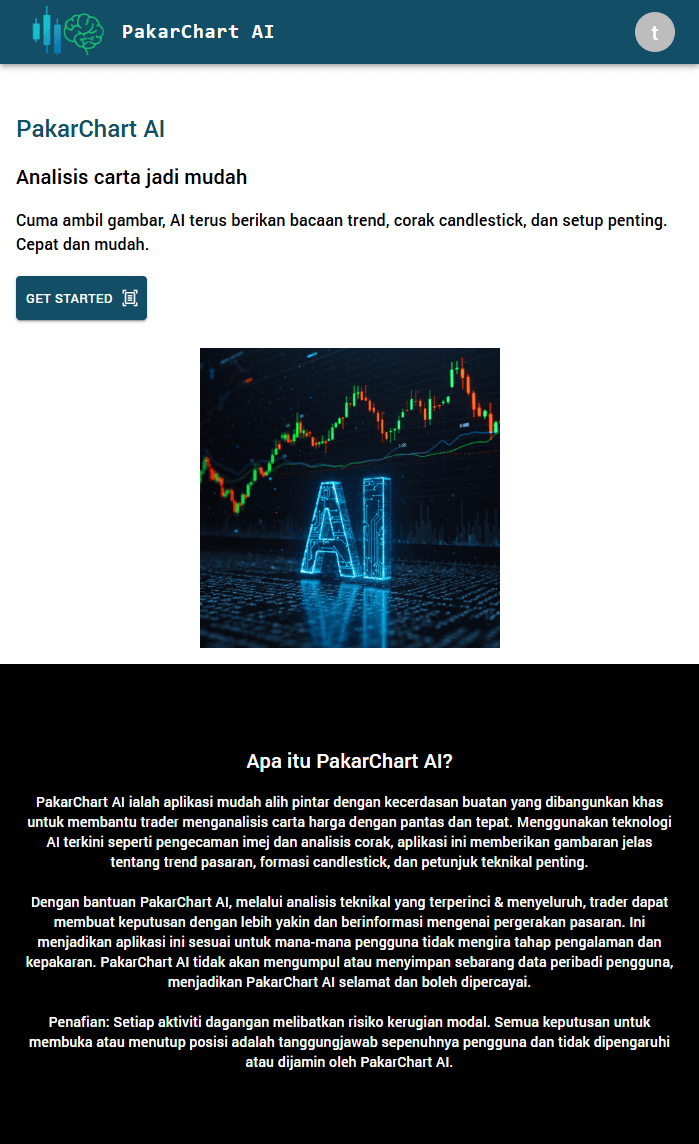
PakarChart AI is an intelligent AI-powered trading assistant designed to help traders analyze price charts quickly and accurately. By using advanced image recognition, pattern detection, and technical analysis algorithms, the app identifies market trends, candlestick formations, and key technical indicators. The app has three main features: Timing, Normal AI, and Premium AI. Access to these features is managed through user subscriptions. The app is also backed by a strong admin panel.
Tech stack and deliverables
AI, ChatGPT, ChatGPT API, Chart-Analysis, Image-Recognition, MERN-stack, PWA, Admin-panel
Features
1. App Overview
- PakarChart AI is an AI-powered trading analysis app designed to help traders analyze price charts quickly and accurately.
- The app uses image recognition and technical analysis to provide clear market insights.
- PakarChart AI includes a dedicated admin panel to manage users, subscriptions, and premium analysis.
2. User App Features
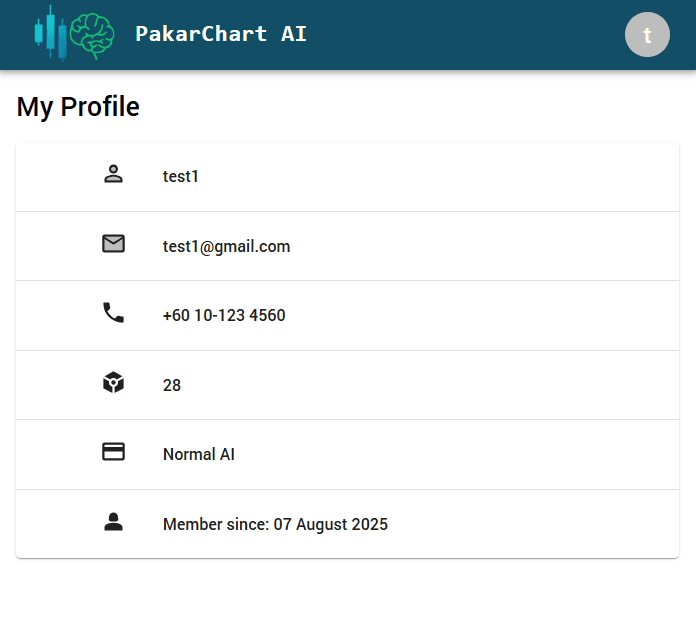
- The app operates on a subscription-based model.
- Each subscription unlocks different levels of access and features
- There are three subscriptions - Timing, Normal AI, Premium AI
- 'Timing' is available for all users. 'Normal AI' & 'Premium AI' open on buying subscription (see details below)
3. Timing Subscription
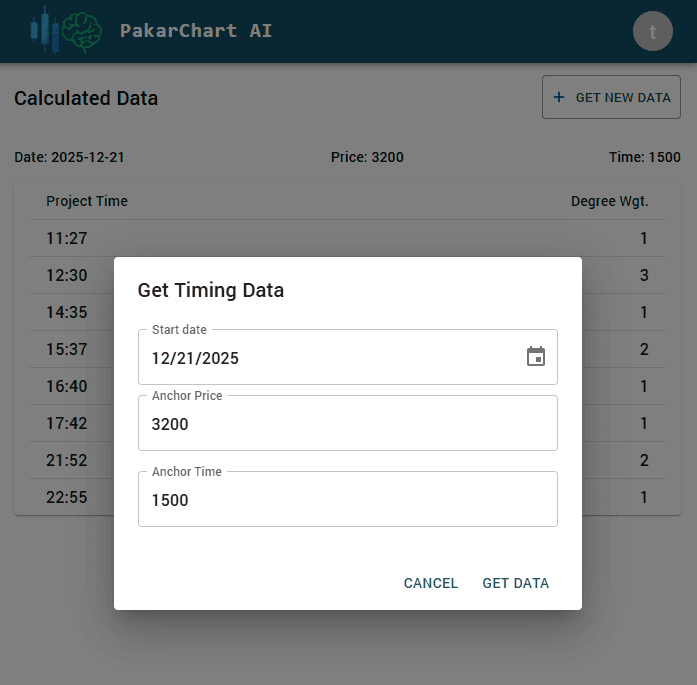
- Provides market data based on the given Anchor Price and Anchor Time.
- Helps users understand possible market timing and price movement.
- Designed for traders who want quick, data-based insights.
4. Normal AI Subscription
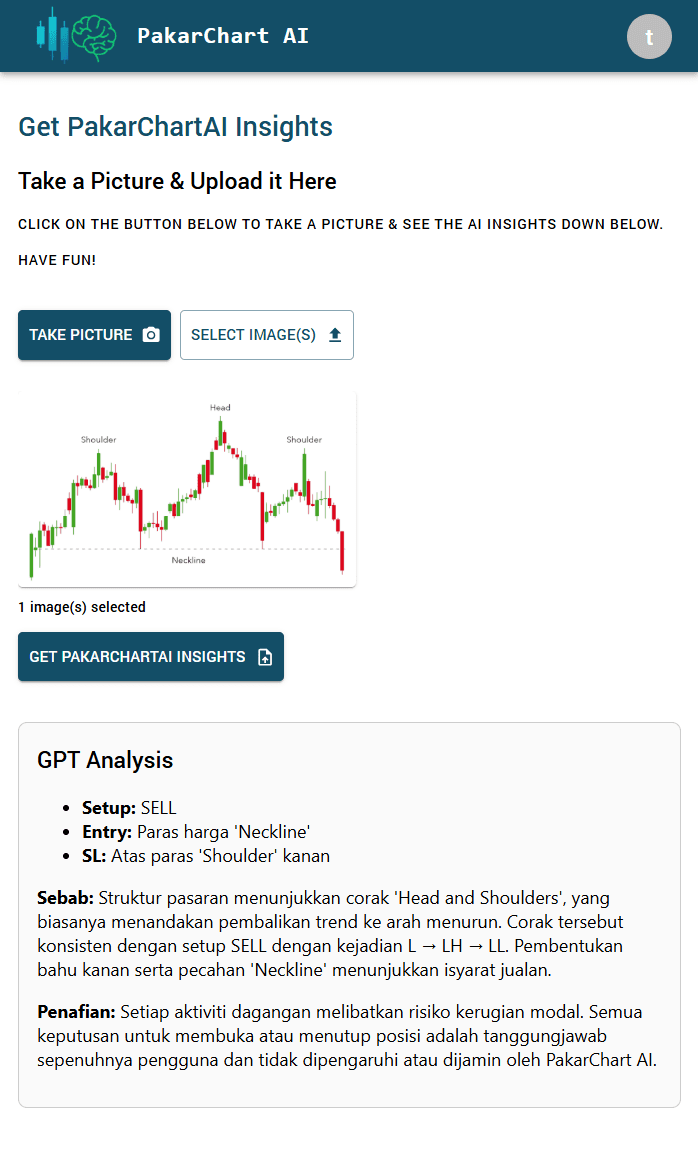
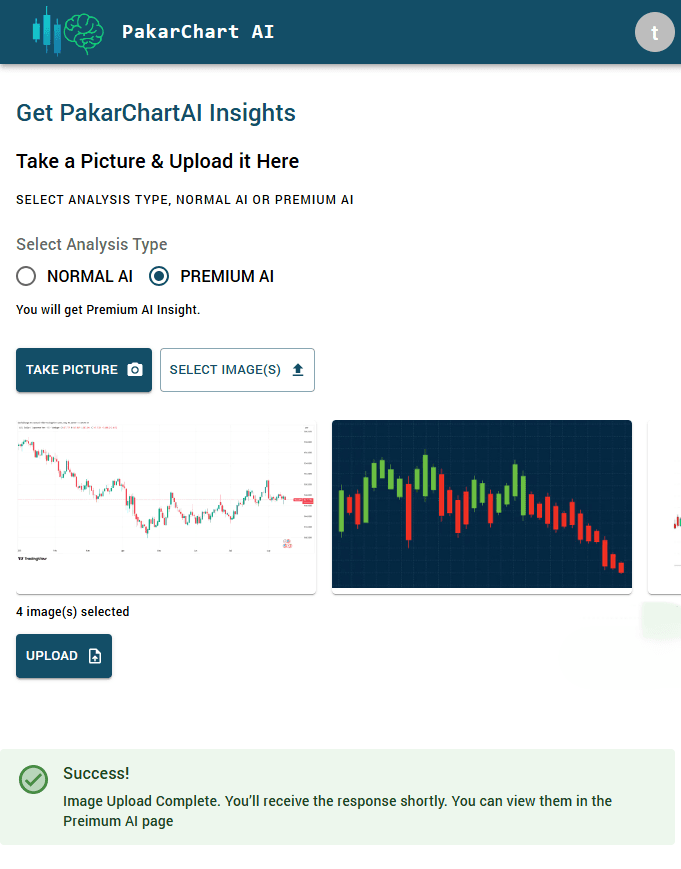
- Users can upload trading chart images for AI-based analysis
- PakarChart AI detects trends, patterns, and technical signals.
- Generates structured insights to support trading decisions.
5. Premium AI Subscription
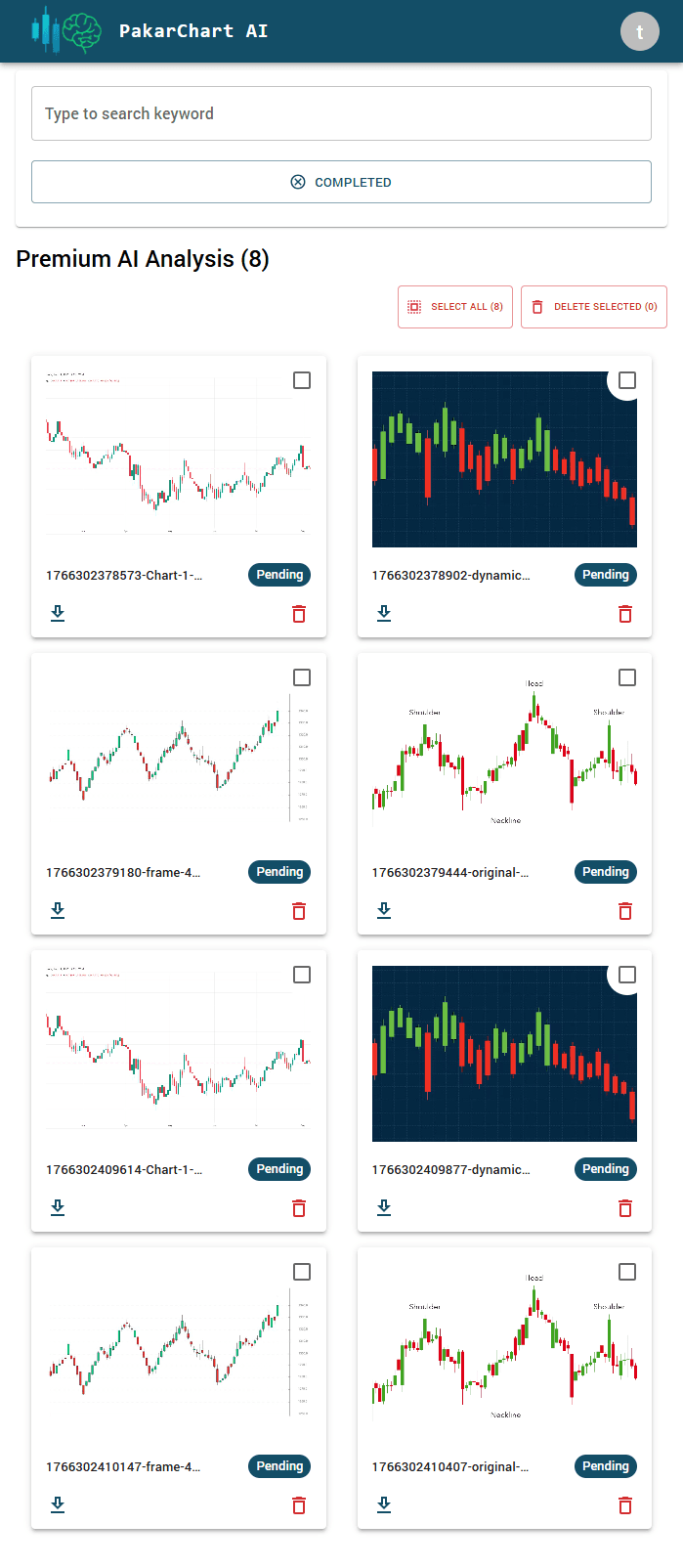
- Users can upload chart images for expert human review & the images are uploaded to admin panel
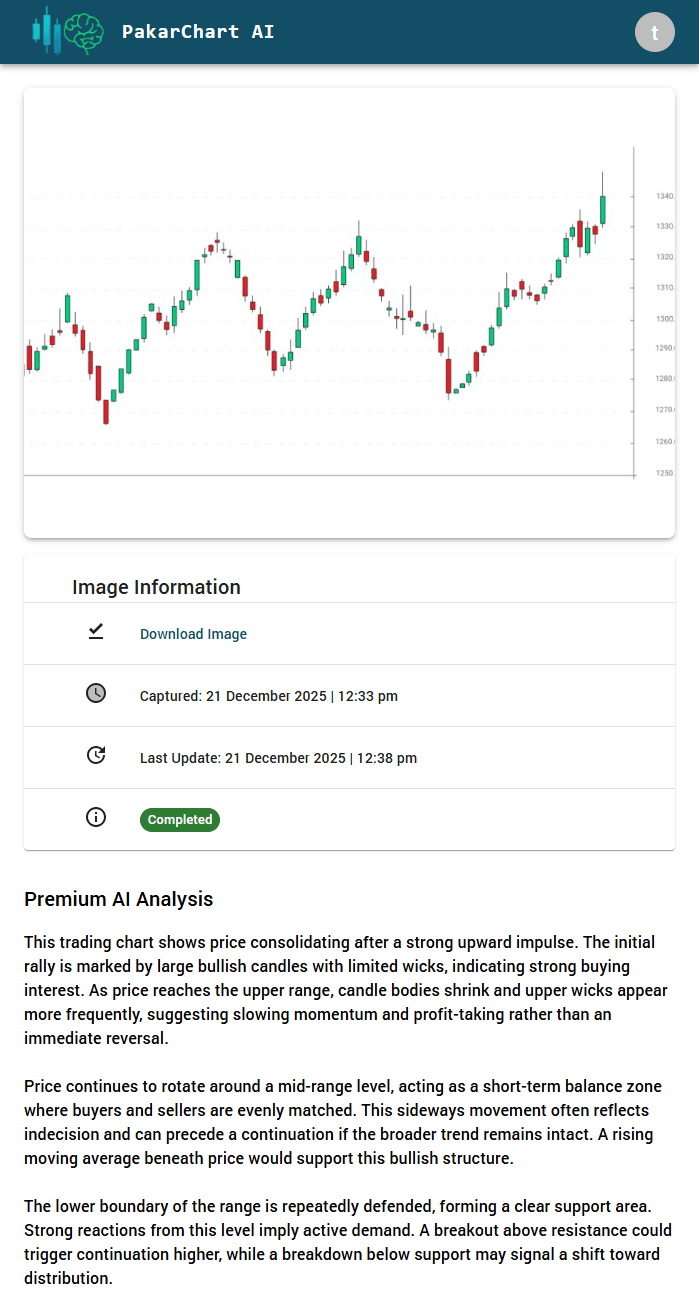
- Admin provides detailed, manual insights for each image.
- Users receive notifications on both desktop and mobile when the admin uploads new insights.
- Suitable for traders who want professional-level analysis.
6. Admin Panel
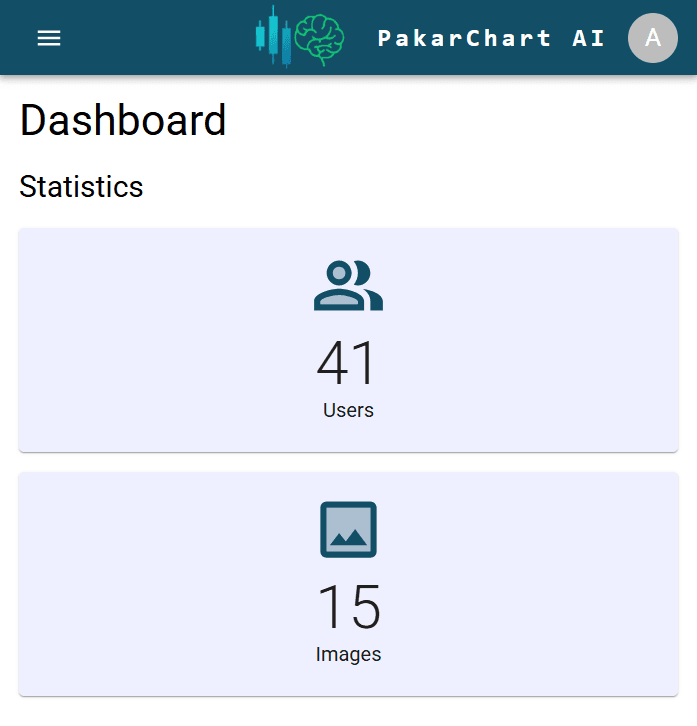
- The admin dashboard provides an overview of the platform, showing the total number of users and all uploaded chart images in one place.
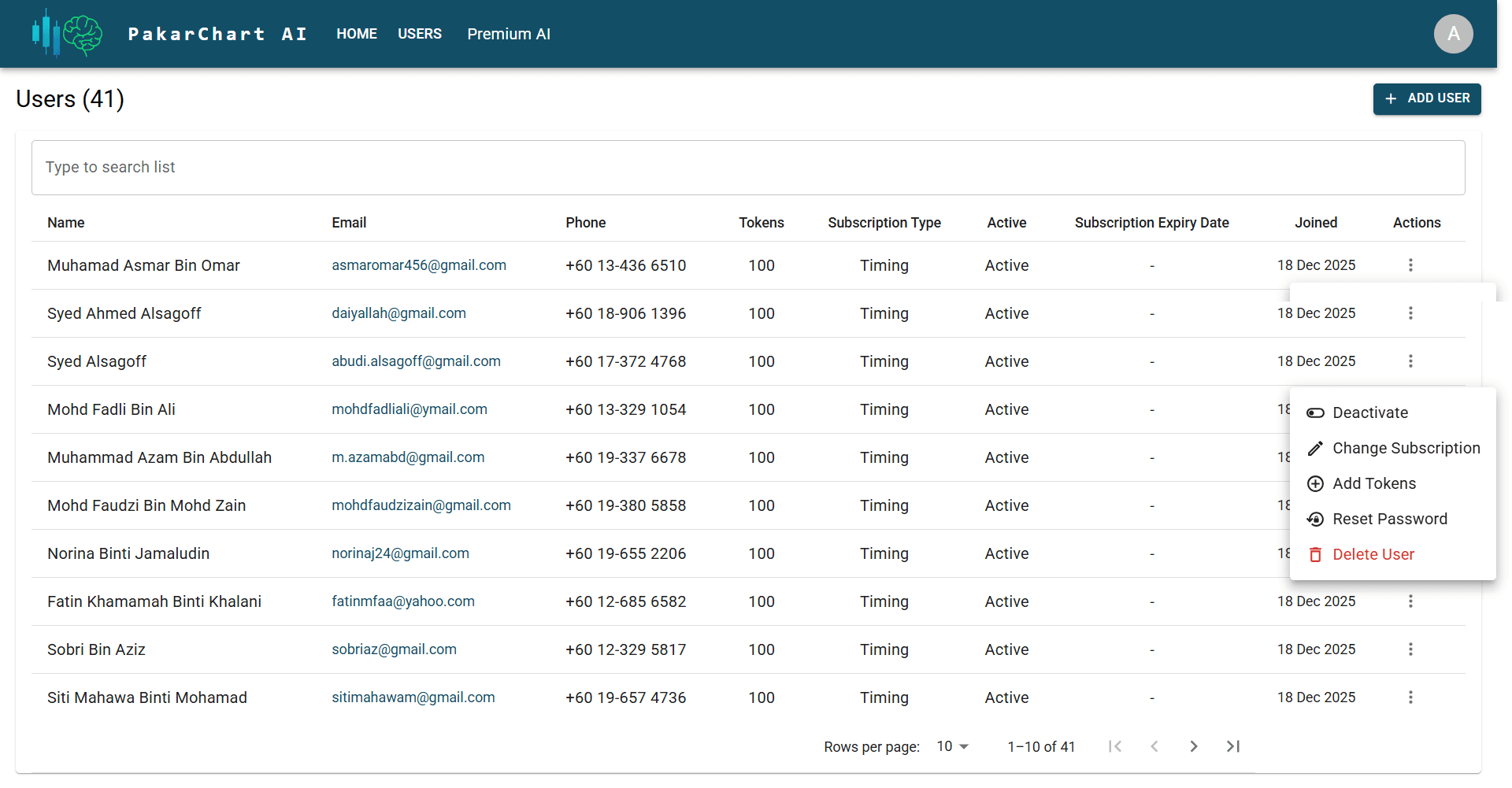
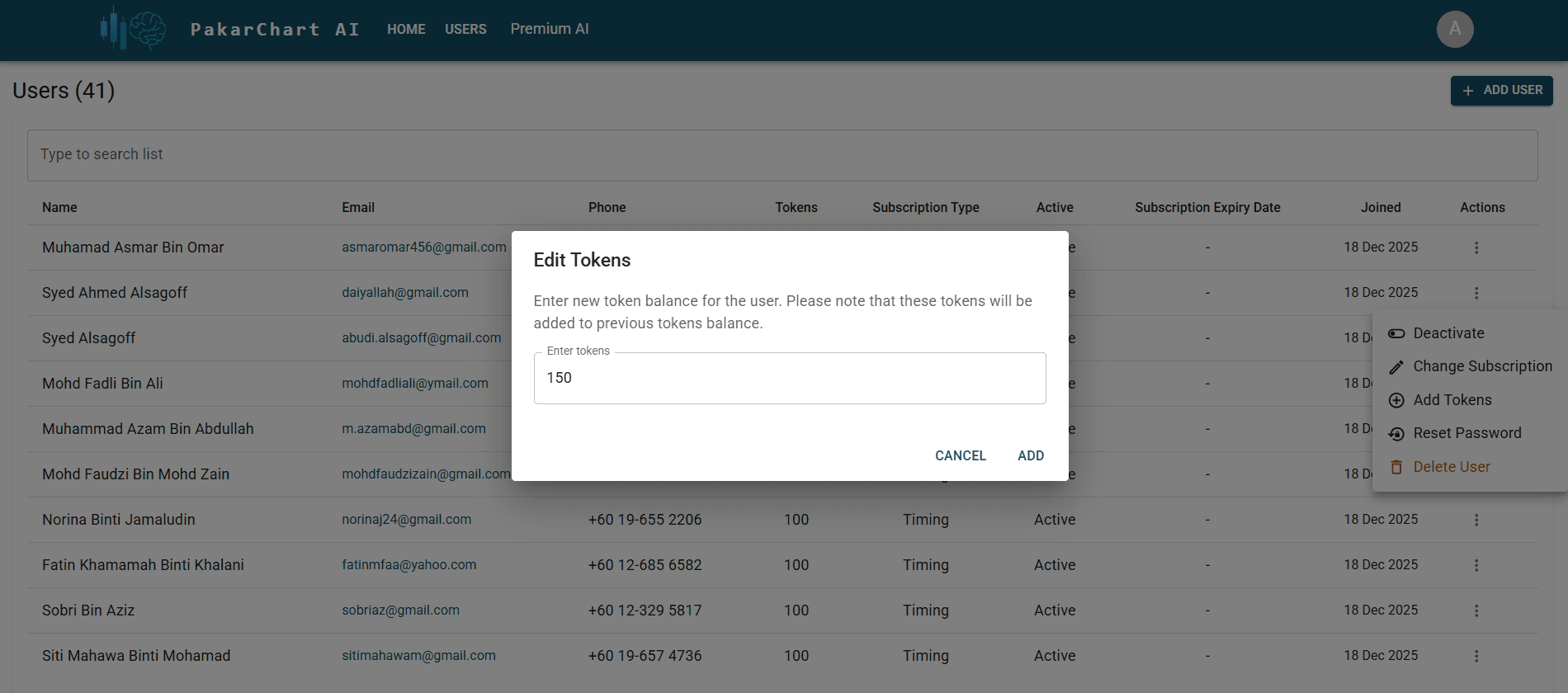
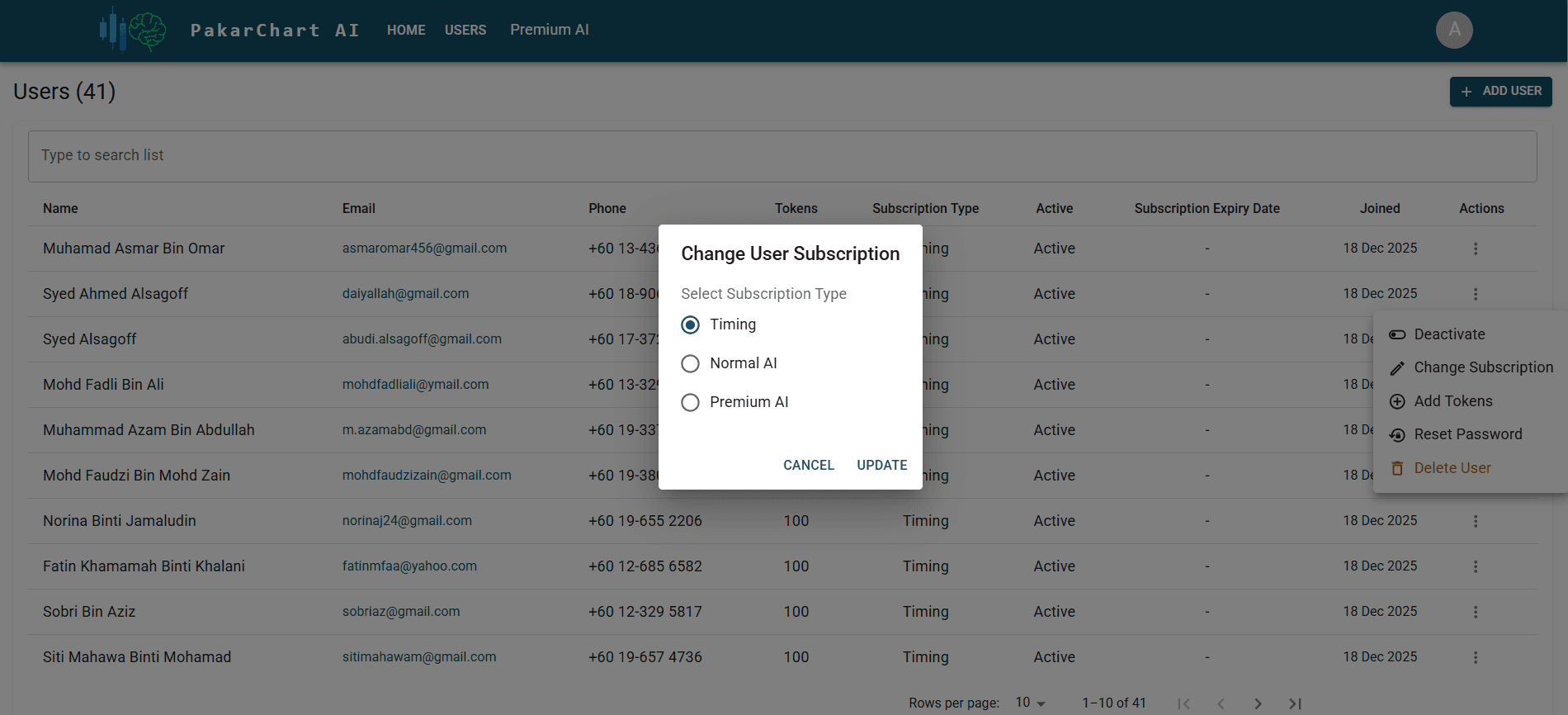
- The user management section allows the admin to control user accounts, including deactivating users, changing their subscription plans, adding tokens, resetting passwords, or permanently deleting accounts.
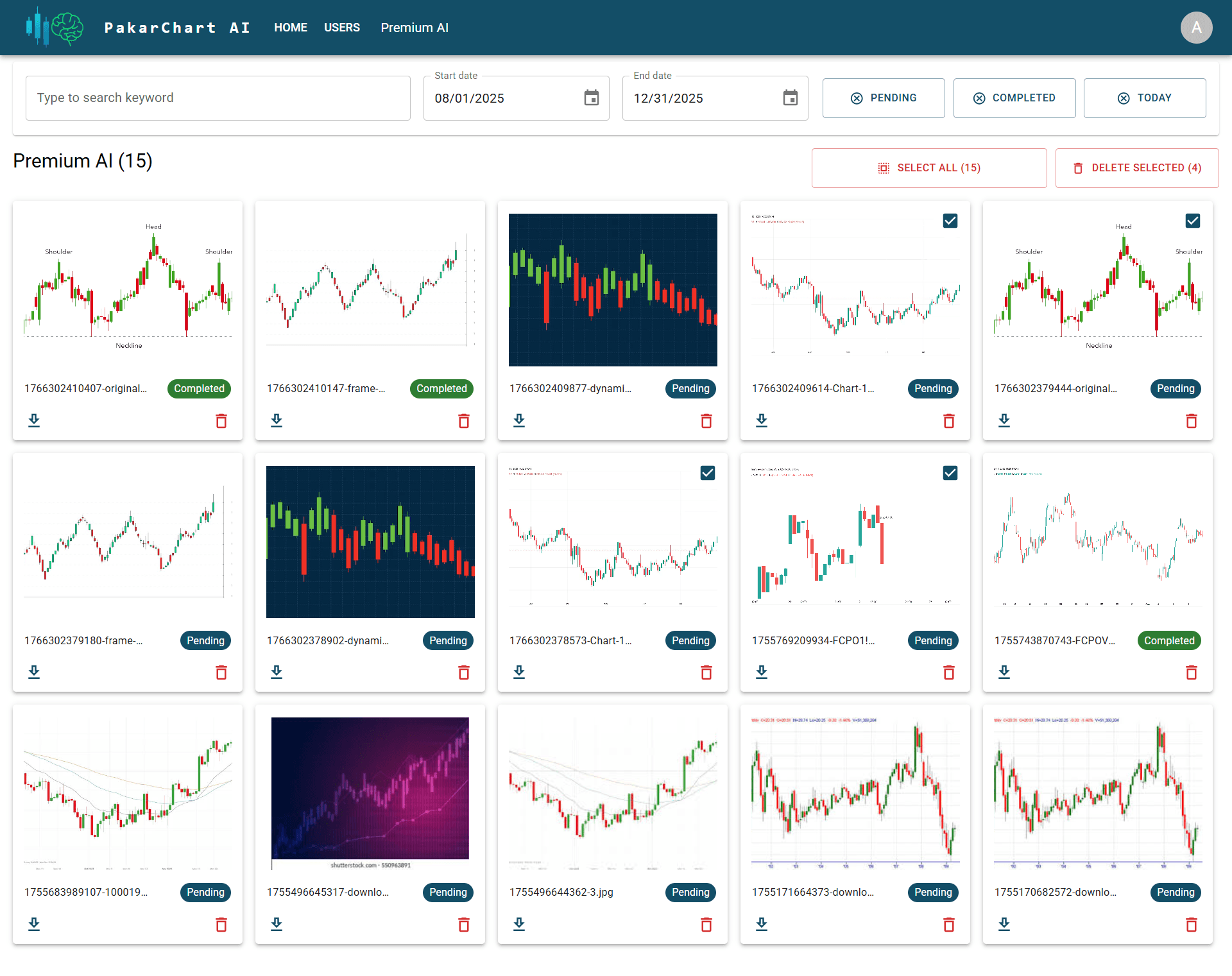
- The Premium AI section displays all chart images uploaded by users for expert/admin review.
- The admin can select one or multiple images at once to perform bulk actions, such as deleting images when needed.
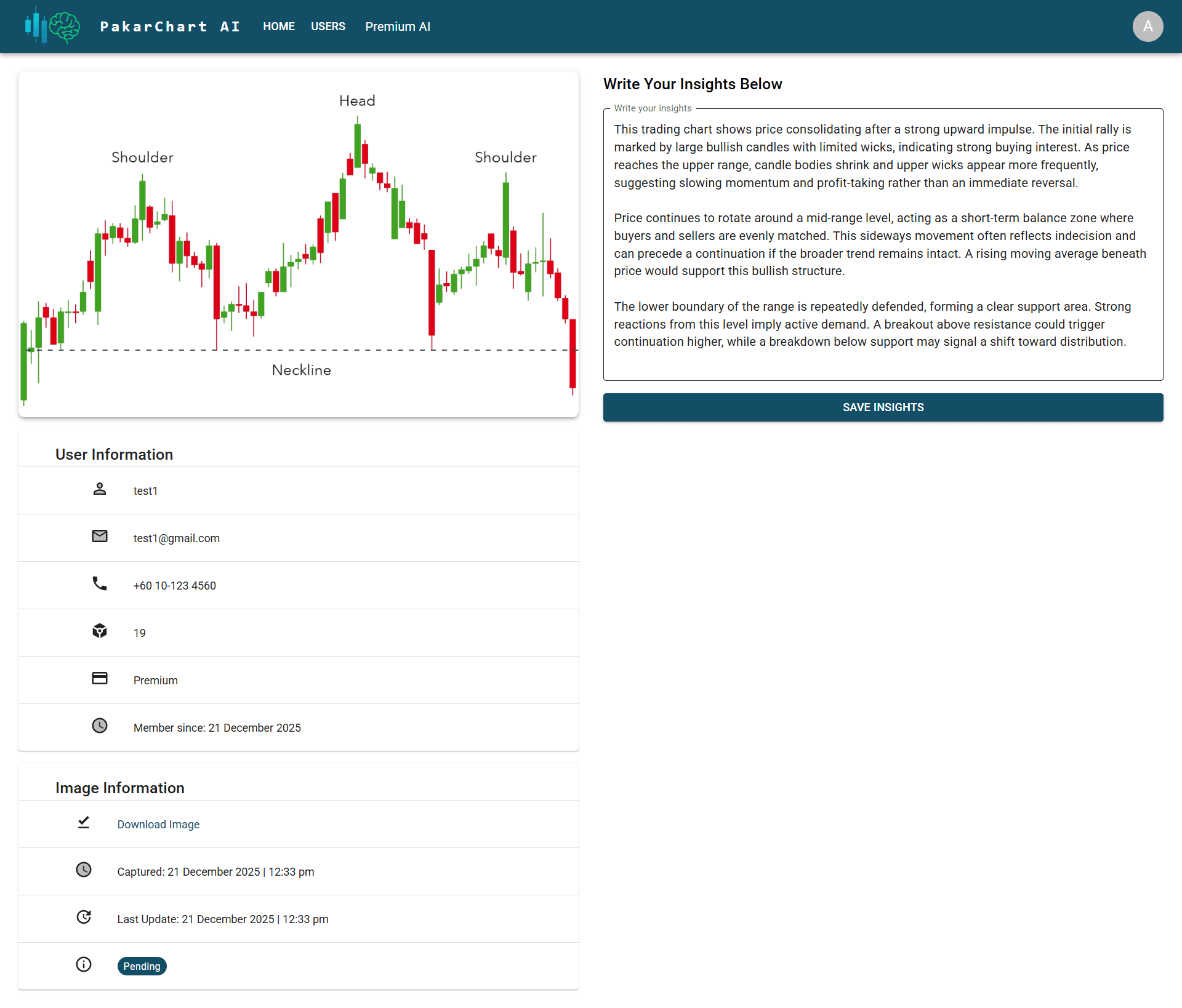
- Clicking on any image opens a detailed view that shows the chart image, related image information, and details about the user who uploaded it.
- From this detailed view, the admin can write expert trading insights for the image and save them for the user.
- The admin panel also allows the admin to change their password securely.
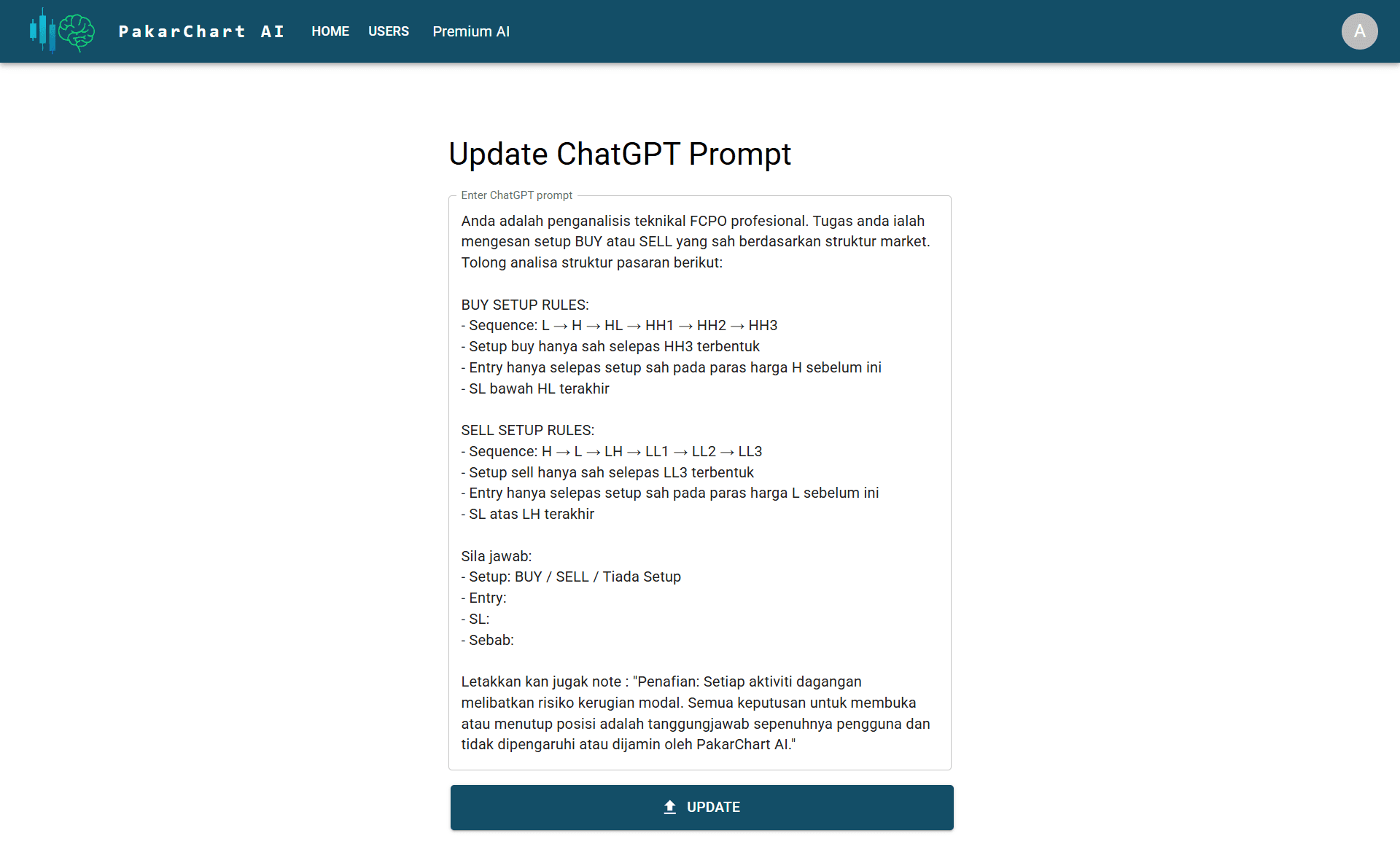
- The admin can update and manage the ChatGPT prompt that is used to generate AI-based trading insights.